Create an ATS-friendly
CV, get hired faster
Tired of never hearing back? Make a CV that passes the Applicant Tracking System (ATS) and get your talent noticed by recruiters.
more likely to get hired
better pay with your next job
ATS friendly

Our customers have been hired at:
Get the job
2x faster
Create your job-winning,
ATS-friendly CV in 3 steps
STEP 1
Choose an ATS-friendly template
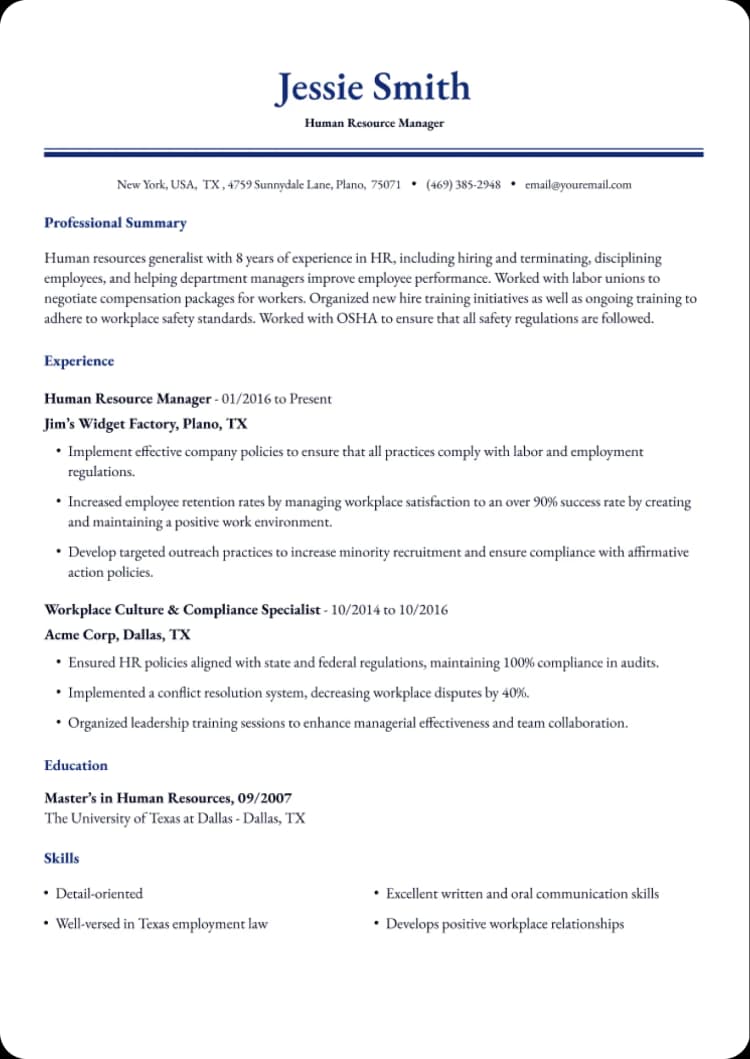
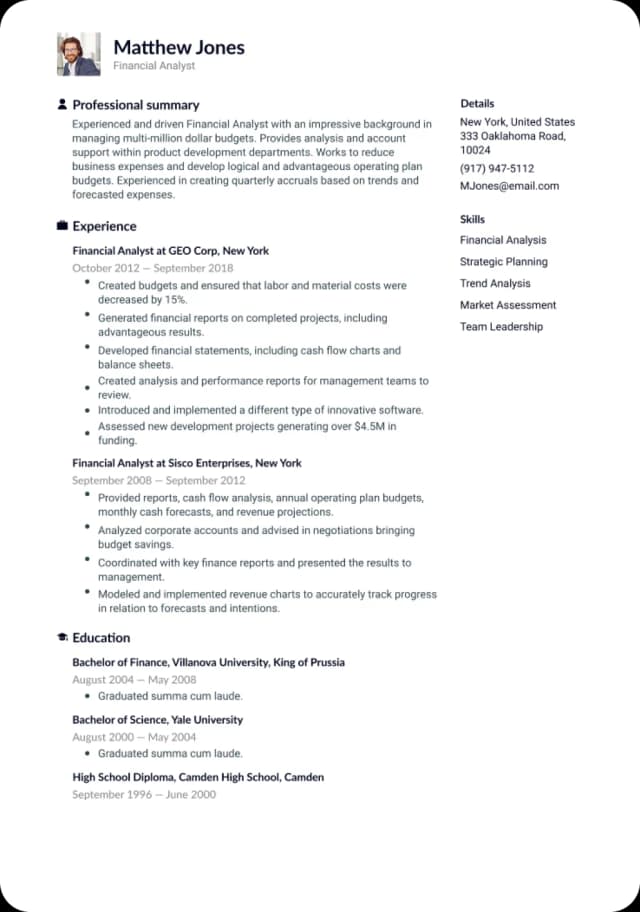
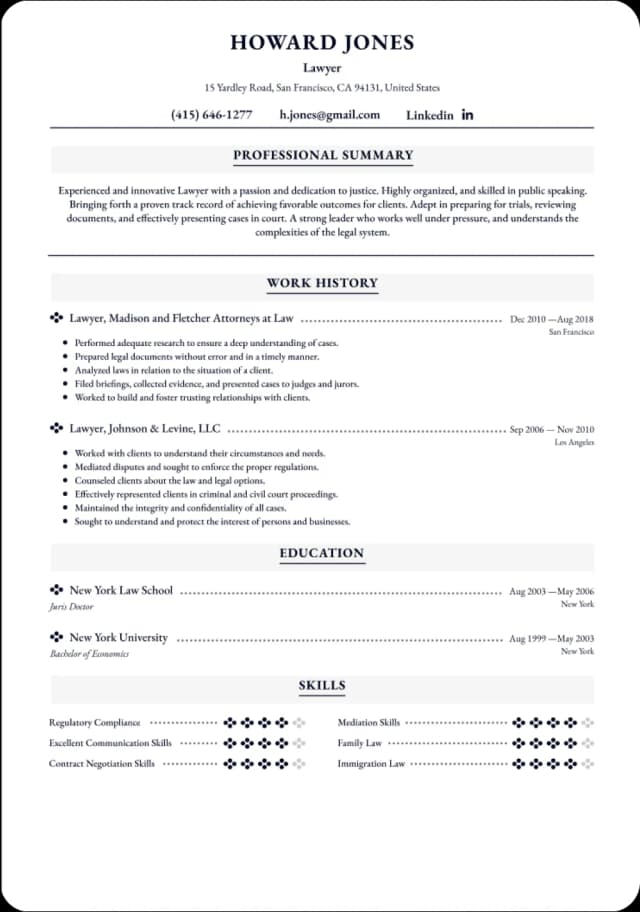
Select one of the recruiter-approved templates designed specifically to make it past the ATS screening stage.
STEP 2
Customize each section
Add details about your experience, education, and skills. Need more sections? We've got plenty.
STEP 3
Download your ATS CV in seconds
You've saved hours on CV creation — now use that extra time to prepare for job interviews
Choose your ATS-optimized CV template
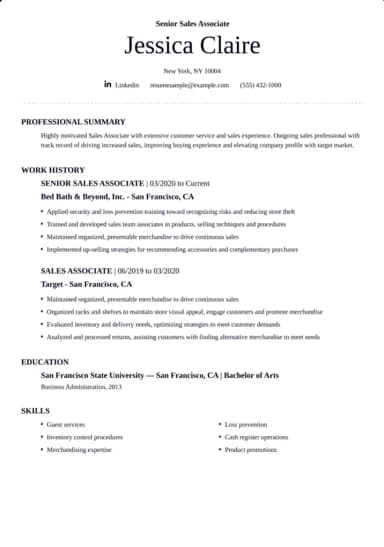
We've designed 40+ ATS-compatible CV templates: they're 100% optimized for CV screening software and have flawless formatting.
Learn why people choose our ATS-friendly CVs
Why use BetterCV's ATS CV Builder?
Enjoy the head start
Skip the writing struggle and save your time with pre-written, ATS-friendly content.
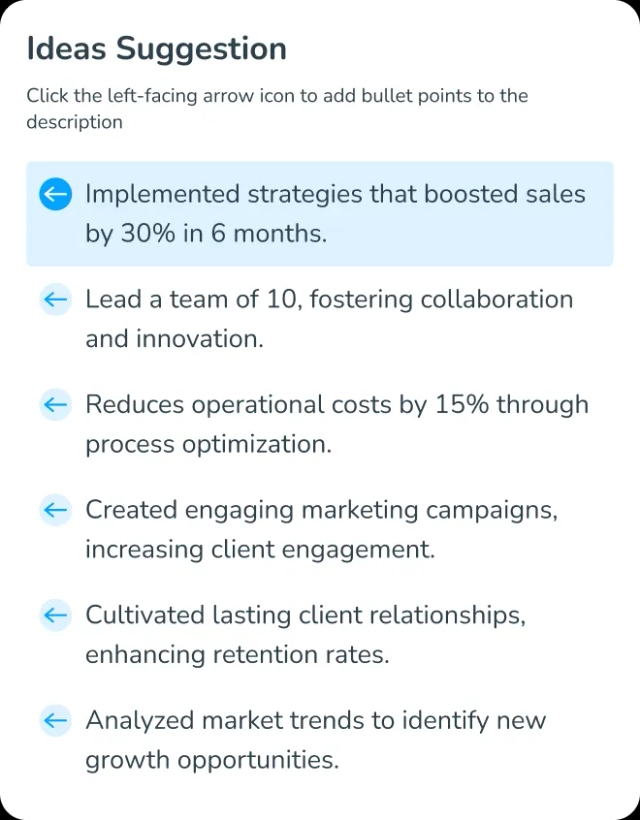
Get inspired by AI suggestions
AI sparks ideas and helps you find the right words to highlight your accomplishments.
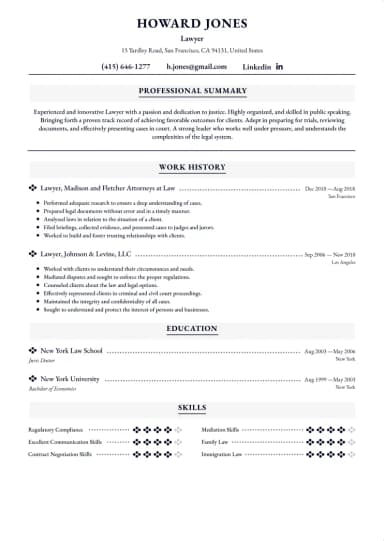
100%
ATS Friendly
Get noticed and acknowledged
Your BetterCV CV will always pass software screening and reach recruiters.
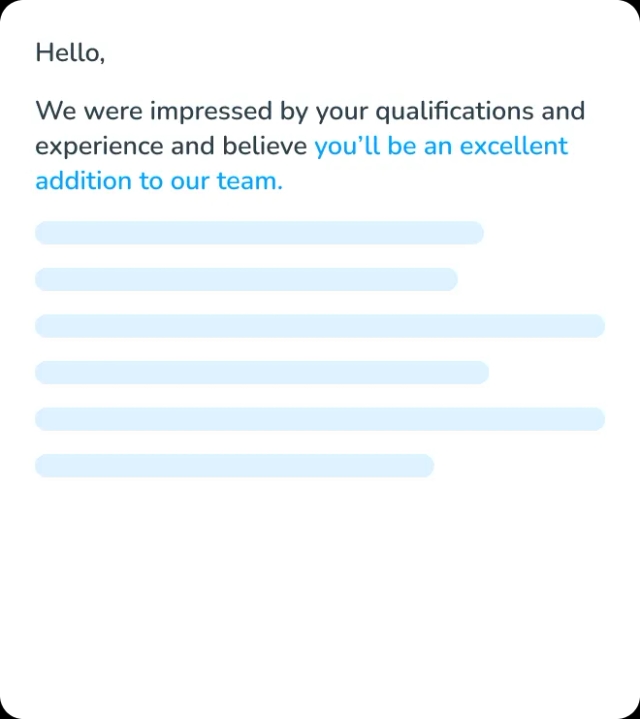
Level up your paycheck
Frame your skills and achievements the right way to stand out from competition.
Frequently Asked Questions
What is an ATS-friendly CV?
An ATS-friendly CV is designed to be easily read and processed by Applicant Tracking Systems (ATS), which most companies use to filter job applications. When you use these templates, your skills and experience are correctly recognized and ranked based on the job description.
Why do I need an ATS-friendly CV?
If your CV is not optimized for ATS, it might never be seen by a human recruiter. Many companies use ATS to scan and rank CVs before they reach hiring managers. An ATS-friendly CV increases your chances of getting noticed and landing an interview.
What CV formats work best for ATS?
A simple, clean format with clear headings, standard fonts, and no fancy graphics or tables works best. Chronological CVs work best because they follow a clear, logical flow. BetterCV has 40+ ATS-friendly templates in chronological format you can customize for free.
Does an ATS-friendly CV still look good to human recruiters?
Yes! BetterCV templates are both ATS-friendly and easy for recruiters to read. The key is using a clear, professional layout with strong content—no unnecessary design elements that could confuse ATS.
What common mistakes can cause my CV to be rejected by ATS?
Using images, graphics, or tables can cause problems because ATS may not read them correctly. Fancy fonts or unusual formatting can also confuse the system. If you put important details in headers or footers, the ATS might ignore them. Another common mistake is not using the right keywords from the job description, which can lower your chances of getting noticed.
Which file type should I use for an ATS CV: PDF or DOCX?
Both can work, but DOCX is the safest choice because all ATS software can read it. Some ATS struggle with PDFs, especially if they contain complex formatting. If the job posting does not specify a format, go with DOCX to be on the safe side.
Is my data secure with BetterCV?
Absolutely. We prioritize your privacy and implement security measures to protect your personal information, so you can use our CV builder with complete peace of mind.